If you've asked a Freshworks partner for an implementation quote, you already know the answer isn't a number it's "it depends." That's not a dodge. Implementation cost for Freshservice genuinely varies from one MSP to the next, sometimes by a wide margin, and anyone giving you a flat dollar figure without knowing your setup is guessing.
What we can do instead is walk through exactly what makes that number move. If you understand the cost drivers, you can look at your own environment and get a realistic sense of where you'll land high or low before you ever get on a call with a partner.
Start with the license cost, because that part's simple
Freshservice's software pricing is public and doesn't require much explanation. It runs on a per-agent, per-month model across four tiers:
| Plan | Price (annual billing) | Typically used by |
|---|---|---|
| Starter | $19/agent/month | Small teams doing basic ticketing |
| Growth | $49/agent/month | Teams that need automation, SLAs, and MSP mode |
| Pro | $95/agent/month | ITIL-mature orgs running change and release management |
| Enterprise | $119/agent/month | Larger orgs needing audit logs, SSO, sandboxing |
For most MSPs, Growth is the floor it's the first tier that includes MSP mode, the feature that lets you run separate client portals from one instance. Some MSPs push into Pro once they need change management or deeper reporting across clients.
Monthly billing runs 15-20% higher than the annual rates above. That part of the cost is easy to calculate: multiply the per-agent price by your headcount and you're done.
Implementation is where it stops being easy.
Why implementation cost can't be a flat number
Two MSPs on the same Freshservice plan can have wildly different implementation bills, because the plan tier tells you what features you're paying for and not how much work it takes to configure them for your business. A five-person MSP with one client type and no legacy system to migrate from is a different project than a thirty-person MSP running twelve client environments with existing tickets, assets, and workflows that all need to move over cleanly.
Anyone quoting you a specific number sight unseen either has a very narrow definition of "implementation" or is padding the estimate to cover the unknowns. The honest version is: cost is driven by a handful of variables, and once you know where you sit on each one, you can gauge roughly how big your project is.
The variables that actually drive your cost
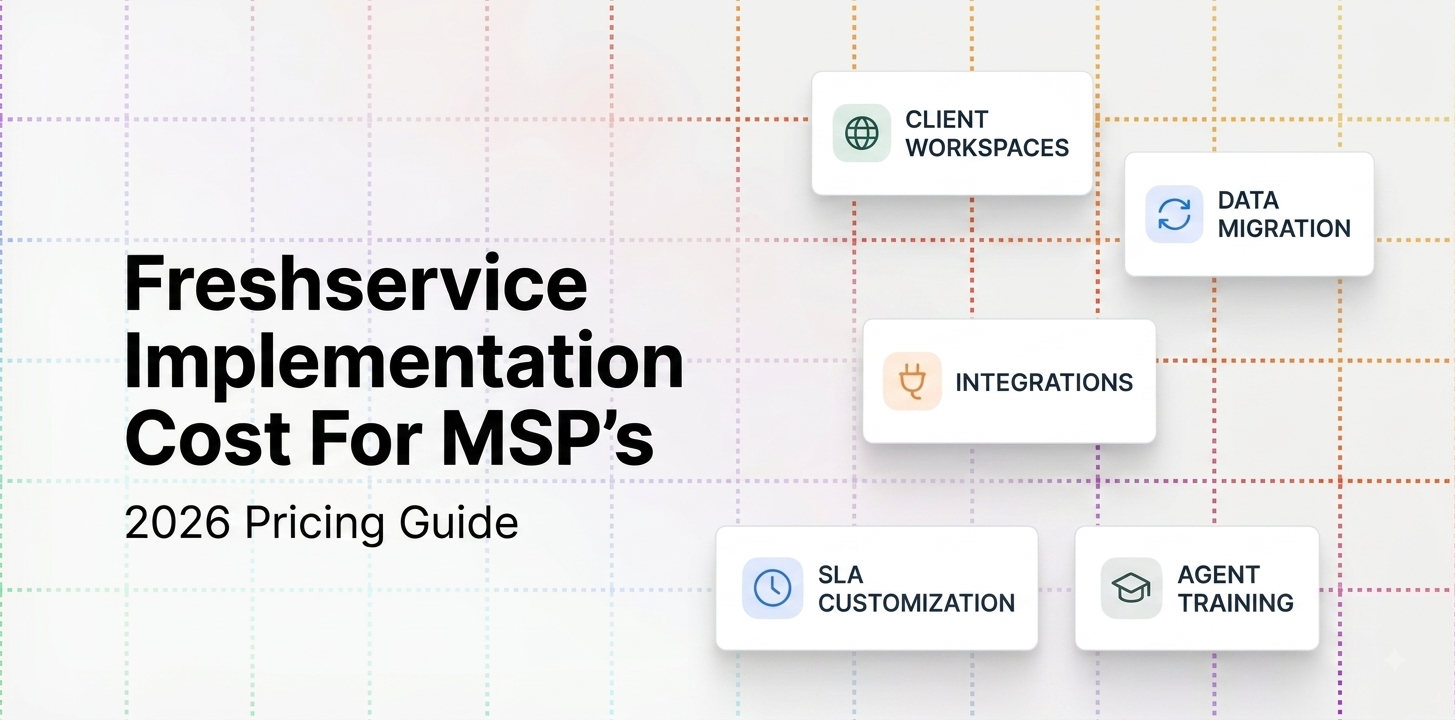
Number of client tenants or workspaces. MSP mode lets you run each client as its own portal with its own SLAs, agents, and branding. Setting up one clean workspace takes a fraction of the time it takes to configure and test fifteen. If you're bringing on multiple clients at launch rather than growing into them, expect the setup work to scale with that count not linearly, necessarily, since some configuration is reusable across clients, but it adds up.
Data migration. If you're moving off a legacy PSA or help desk tool, someone has to decide what comes over like the open tickets, historical tickets, asset records, contracts, knowledge base articles and then actually move it without losing accuracy. A fresh start with no migration is a much smaller project than an import that needs to be mapped, cleaned, and verified field by field.
Third-party integrations. Freshservice rarely runs alone. PSA integration, RMM integration, identity provider connections for SSO, billing system hooks each one is a separate piece of configuration and testing, and some (particularly anything beyond the basics) require the Orchestration Center add-on, which isn't included in every plan. The more of your stack that needs to talk to Freshservice, the more implementation work there is.
Workflow and SLA customization. Freshservice covers standard ticketing well. The work grows once you start building conditional automation, custom approval chains, or SLA rules that differ client to client as the kind of thing MSPs need in order to actually enforce different service levels for different contracts.
Agent training. A small team that's used similar tools before can often self-train in a few sessions. A larger or more distributed team, especially one coming from a very different platform, needs more structured onboarding to get everyone working the same way.
DIY vs. partner-led setup. You can implement Freshservice yourself, and plenty of smaller MSPs do the interface is genuinely more approachable than something like ServiceNow. But self-implementation means your own time is the cost, and there's a real risk of under-configuring things you don't know you need until they cause a problem later. Freshworks partners charge for implementation because they've done it enough times to avoid those gaps, and because they can usually move faster than a first-timer would.
A rough way to size your own project
Instead of a single number, it's more useful to think in terms of complexity:
Lower complexity looks like: one or two client workspaces to start, no data migration, minimal integrations beyond the basics, and standard SLA/workflow needs. This is the kind of project a smaller MSP can often handle with a short implementation engagement or even in-house.
Higher complexity looks like: multiple client tenants live from day one, migrating years of ticket and asset history from another system, several integrations including custom ones through the Orchestration Center, and per-client workflow customization. This is where a longer, partner-led engagement usually makes sense and where the project timeline stretches from weeks into a couple of months.
Most MSPs land somewhere between those two poles, which is exactly why nobody can hand you an accurate quote without first understanding where you sit on each variable above.
How to actually get an accurate number
Skip vendors or partners who give you a price before asking about your environment. A real scoping conversation should cover:
- How many client workspaces you need at launch, and how many you expect to add in year one
- Whether you're migrating from an existing PSA or ITSM tool, and roughly how much historical data needs to come with you
- Which systems Freshservice needs to integrate with your RMM, your billing platform, your identity provider
- Whether you need custom workflow or SLA logic beyond what's built in
- How many agents need training and what platform they're coming from
Ask for a scoped quote rather than an hourly estimate where possible as it gives you a number to hold the implementer to, rather than open-ended billing. And ask what happens if the scope changes mid-project, since migrations in particular have a habit of turning up more than expected once you're actually in the data.
Budget for what comes after implementation, too
Implementation is a one-time cost, but it's not the only cost beyond the license fee. Once you're live, a few things tend to add to the recurring bill:
Orchestration Center for advanced automation and integrations beyond the basics billed separately based on usage.
Asset packs if you're tracking more devices, licenses, and endpoints than your plan's included allotment.
Freddy AI Copilot if you want AI-assisted ticket handling on top of the base plan.
Support tier upgrades if you need 24/7 coverage, which isn't included by default on the lower tiers.
None of these are implementation costs exactly, but they're part of the real total cost of running Freshservice, and worth factoring in when you're comparing the sticker price against what you'll actually be paying a year in.
The bottom line
Freshservice's license pricing is straightforward. Implementation isn't, and it shouldn't be treated like it is. The honest way to budget for it is to look at your own environment against the variables above client count, migration, integrations, customization, training, and whether you're going DIY or partner-led and use that to gauge roughly how big a project you're taking on. Then get a scoped quote based on your actual answers, not a number pulled from someone else's implementation.